LMS Systems for Schools: Connecting Classroom Learning with Everyday Academic Progress
By Sonet Microsystems
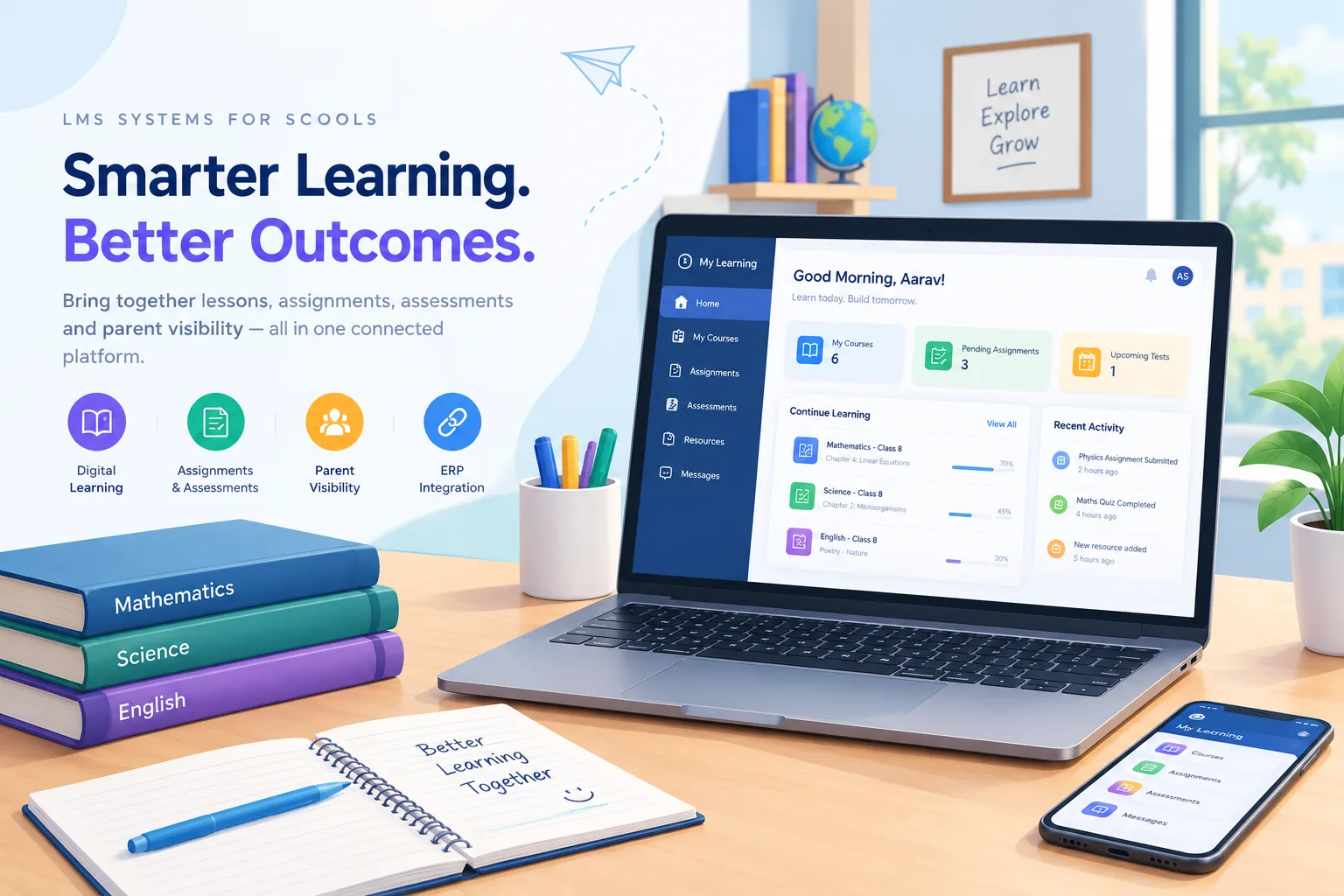
Learning does not stop when a school period ends. Students revisit a difficult concept at home, complete assignments after class, prepare for assessments, and sometimes need additional support to understand what was taught. Teachers, meanwhile, must plan lessons, monitor submissions, evaluate work, and keep parents informed about academic progress.
The challenge is that these activities often happen across disconnected channels. Classroom instructions may be written in notebooks, worksheets shared through messaging groups, assignments collected on paper, and learning resources stored in different folders or applications. Parents may receive updates through separate communication channels, while teachers spend valuable time tracking submissions instead of identifying where students need help.
This creates a gap between teaching a lesson and understanding whether learning has actually progressed.
LMS systems for schools can help close this gap by creating a structured digital environment where teachers deliver learning materials, assign work, conduct assessments, and monitor student participation. When connected with the school's existing academic and administrative systems, an LMS can also reduce repeated data entry and make learning activities more accessible to students and parents.
The real opportunity is not simply to move worksheets online. It is to connect classroom instruction, independent practice, assessment, and academic follow-up into a continuous learning process.
Why Learning Continuity Matters More Than Digitising Worksheets
Uploading a PDF or sharing a recorded lesson is relatively straightforward. Ensuring that students can find the right material, understand what they need to complete, submit their work, and receive useful feedback requires a more organised approach.
Consider a science teacher who introduces a topic in class and assigns a worksheet for practice. The learning process involves several connected steps:
Students need access to the correct lesson resources.
The assignment must reach the appropriate class or section.
Students need a clear deadline and submission method.
The teacher must be able to review completed and pending work.
Feedback should help students understand what requires improvement.
Parents may need visibility into upcoming tasks and academic responsibilities.
When these activities are handled separately, the teacher becomes the link between every system. The result is additional coordination, repeated reminders, and limited visibility into the overall learning process.
LMS systems for schools bring these activities into a more organised workflow. Resources, assignments, assessments, and submissions can be associated with the relevant subject and class, making it easier to manage the learning cycle from instruction to feedback.
This structure also helps schools establish consistency across departments without requiring every teacher to create an entirely different process.
1. Give Teachers a Practical Way to Manage Daily Learning
Technology adoption in schools depends heavily on whether teachers can use it within their existing schedules. A platform may offer advanced analytics and extensive content tools, but those features provide limited value if routine tasks take too long to complete.
Teachers need to upload worksheets, share videos, post homework, set deadlines, and review submissions without navigating unnecessarily complicated workflows.
Effective LMS systems for schools should therefore prioritise everyday usability. Assignments should be easy to organise by subject, class, and section. Reusable resources should be accessible when similar lessons are taught again. Submission status should be visible without requiring teachers to maintain a separate spreadsheet.
The goal is to make digital learning an extension of teaching rather than another administrative responsibility.
For school leadership, this is an important selection criterion. Instead of evaluating a platform only through a demonstration of its most advanced features, ask teachers to perform common tasks themselves. The time and effort required to complete those tasks can reveal more about practical usability than a long feature checklist.
2. Connect Digital Content with the School Curriculum
Schools do not teach from a generic collection of topics. Their academic programmes follow defined syllabi, learning objectives, subject structures, and term-wise plans.
Digital resources are most useful when teachers can organise them around these existing structures. A worksheet for Class VII mathematics, for example, should be associated with the appropriate subject and topic rather than stored in a general content library that requires repeated searching.
Well-designed learning management software for schools can help teachers organise digital materials around curriculum requirements and make resources available to the relevant learners.
Board alignment is particularly important for schools following CBSE, ICSE, or state board curricula. Content organisation should support the syllabus being taught, while still allowing teachers to supplement prescribed material with their own explanations, activities, and revision resources.
This is where schools should look beyond the number of videos or worksheets included in a platform. The more important question is whether the content can be used meaningfully within the school's actual teaching plan.
3. Make Homework and Assessment Part of One Learning Cycle
Homework is not simply a task to complete after school. It gives teachers an opportunity to understand how well students can apply concepts independently.
However, if assignments are shared through one channel, submissions arrive through another, and marks are recorded elsewhere, it becomes difficult to maintain a consistent view of student progress.
LMS systems for schools can bring assignment distribution, submission tracking, quizzes, and assessment records into a connected workflow. Teachers can review completed work, identify pending submissions, and use assessment results to determine where further explanation may be needed.
Objective quizzes can provide immediate feedback where the assessment format permits automated grading. Written responses and more complex assignments may still require teacher evaluation.
The distinction matters because digital assessment should support teaching decisions, not merely produce scores. A student who repeatedly struggles with a particular concept may benefit from revision material or additional guidance rather than another reminder to complete an assignment.
When learning activities are organised in one place, teachers have a clearer starting point for providing that support.
4. Improve Parent Visibility Without Increasing Teacher Workload
Parents play an important role in school learning, but they cannot support what they cannot see. When homework instructions, test dates, and learning resources are scattered across notebooks, messaging groups, and individual conversations, families may struggle to keep track of academic expectations.
At the same time, teachers cannot reasonably be expected to answer repeated questions about assignments that have already been shared.
A school management system can help coordinate student records, attendance, schedules, and parent communication. When connected to an LMS, it can complement those administrative functions with access to learning materials, homework, and assessment schedules.
Parents can then check relevant updates through the school's designated digital channels rather than relying entirely on students to relay every instruction.
This visibility should be purposeful. Parents need clear information about what has been assigned, when it is due, and where support may be required. They do not necessarily need to receive a separate notification for every minor system activity.
The objective is to make communication more useful and reduce avoidable follow-ups for both families and teachers.
5. Connect the LMS with the School ERP
One of the most overlooked issues in digital learning is duplicate data entry.
A school already maintains student profiles, class allocations, sections, and academic records through its administrative systems. If teachers must recreate the same class structure in a separate LMS, the school effectively maintains two versions of the same information.
This creates a risk of inconsistency. A student transferred to another section may continue to appear in the previous class's digital learning environment. Teachers may need to update enrolment lists manually, while administrators spend time resolving discrepancies.
Connecting LMS systems for schools with a school ERP can reduce this problem by allowing relevant class, section, and student data to flow from the administrative system into the learning platform.
The LMS can then focus on its primary role: delivering learning resources, managing assignments, supporting assessments, and helping teachers monitor participation.
For schools evaluating ERP for School requirements alongside digital learning, integration should be treated as an important architectural consideration rather than an optional convenience.
Sonet's LMS for schools is designed to read class, section, and student data from eSSMS, helping schools avoid separate setup of the same information in both systems. This connection supports a more coherent environment for academic administration and classroom learning.
6. Support Different Learning Needs Without Fragmenting the Process
Students do not all learn at the same pace. Some benefit from recorded explanations, others need additional practice, and some may require more challenging material after mastering the basics.
A structured digital learning environment can make it easier for teachers to provide supplementary resources and organise revision activities without distributing different files through multiple channels.
For example, a teacher can share a recorded explanation for students revisiting a difficult topic and provide additional practice questions where appropriate. Quiz results and assignment performance can help identify which concepts may require further attention.
These indicators should be interpreted alongside classroom observations and teacher judgement. A missed assignment may reflect connectivity issues, illness, or another circumstance rather than a lack of understanding.
As learning analytics become more sophisticated, schools can use relevant participation and assessment data to guide timely academic support. The aim is not to label students automatically, but to help teachers recognise where additional attention may be beneficial.
7. Evaluate LMS Platforms Beyond Feature Count
Schools comparing lms systems for education often encounter platforms with similar lists of features: course content, assignments, quizzes, reports, and communication tools. The differences become clearer when those capabilities are evaluated against everyday school requirements.
Before selecting a platform, school leaders should consider:
Ease of use: Can teachers upload and assign resources quickly without extensive training?
Curriculum structure: Can content be organised around the school's subjects, classes, terms, and board requirements?
Assessment support: Can teachers manage assignments, quizzes, submissions, feedback, and relevant performance records?
Parent access: Can families view homework and assessment schedules through accessible digital channels?
ERP integration: Does student and class information remain consistent across administrative and learning systems?
Device accessibility: Can students and teachers use the platform on the devices available to them?
Implementation support: Is there a clear plan for onboarding teachers, organising resources, and helping users adopt the platform?
These criteria are more useful than choosing among learning management system platforms solely by the number of available modules.
The right LMS Application should fit the school's teaching practices, support its curriculum, and remain practical for daily use. A sophisticated platform that teachers rarely use will contribute less to learning than a well-integrated system that supports consistent academic routines.
8. Build a Connected Digital Learning Environment
An LMS becomes more valuable when it works as part of a broader education technology environment rather than as an isolated application.
A school management system supports administrative processes such as student information, attendance, fees, and timetables. A learning platform supports content delivery, assignments, assessments, and learning participation. When these functions are connected appropriately, the school can reduce duplication and provide a more consistent experience for teachers, students, administrators, and parents.
This is the difference between adopting separate digital tools and building a connected learning environment.
A school management software platform and an LMS should retain their distinct purposes while exchanging the information each needs. Administrative records should not have to be recreated for digital learning, and academic activities should be organised so teachers can manage them without unnecessary coordination.
Sonet's wider LMS platform supports course delivery, assignments, and assessments across K-12 and higher education, with enrolment data synchronised from compatible ERP systems. Its school-focused LMS is designed around the practical requirements of classroom teaching, quick assignment posting, parent visibility, and curriculum-aligned learning.
For schools planning digital transformation, this integrated approach offers a way to connect academic activities with everyday administration without turning the learning platform into another disconnected system.
Conclusion
The value of an LMS for schools lies not in moving every classroom activity online, but in making learning easier to organise, monitor, and support.
When teachers can share resources quickly, manage assignments in one place, review assessment activity, and communicate expectations clearly, digital learning becomes a more practical part of everyday school operations. When the LMS is also connected with the school's administrative system, staff can spend less time maintaining duplicate records and more time supporting students.
LMS systems for schools should therefore be evaluated through the learning processes they enable, the workload they create or reduce, and the continuity they establish between classroom instruction and independent practice.
The most effective digital learning environment is one where technology works quietly in the background, teachers remain focused on teaching, parents have useful visibility, and students can access the resources they need to make steady academic progress.
Explore Sonet Microsystems' LMS for Schools to see how curriculum-aligned content, assignments, assessments, parent visibility, and ERP-connected class data can support a more organised digital learning experience.